Company template
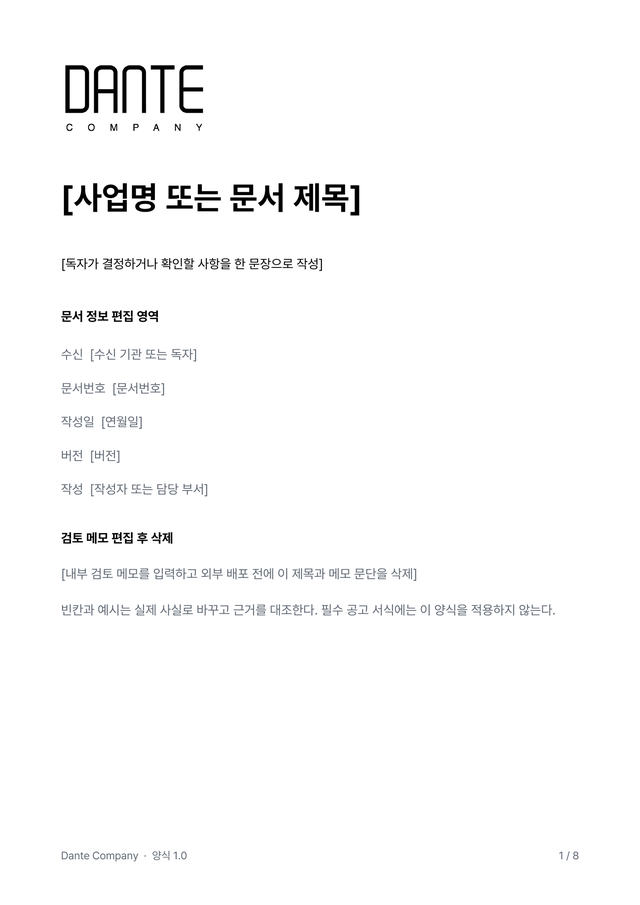
An 8-page blank template with the official logo and company header, automatic contents, captions, and a landscape tracking table.


Download Dante Company logos and brand colors for decks, press material, and partner pages.
Version 1.0 · 2026-10-20
Blank Korean templates and a general usage guide. Copy the DOCX to edit and use the PDF to preview the layout.
An 8-page blank template with the official logo and company header, automatic contents, captions, and a landscape tracking table.
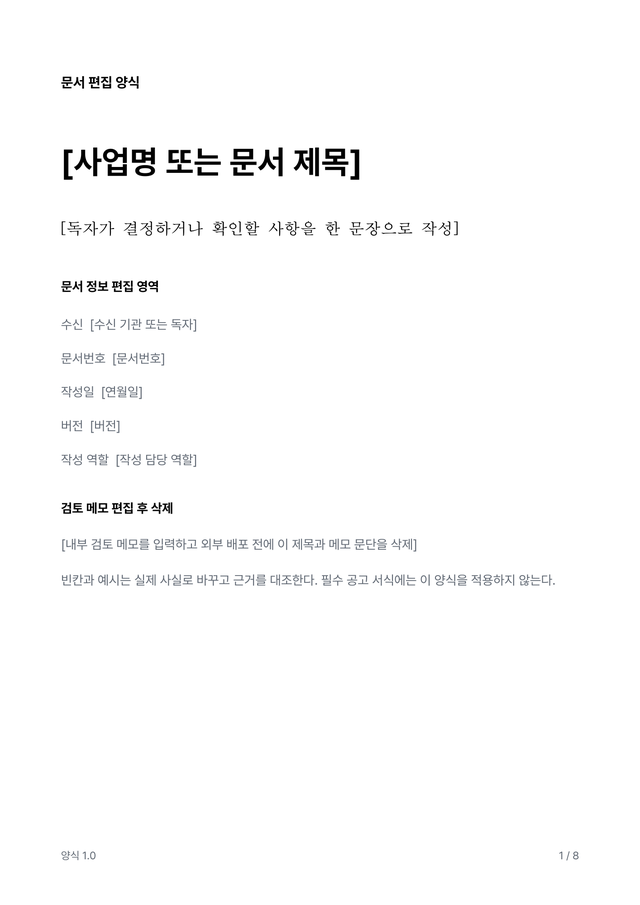
An 8-page blank template without company names or logos for starting a document without identifying information.
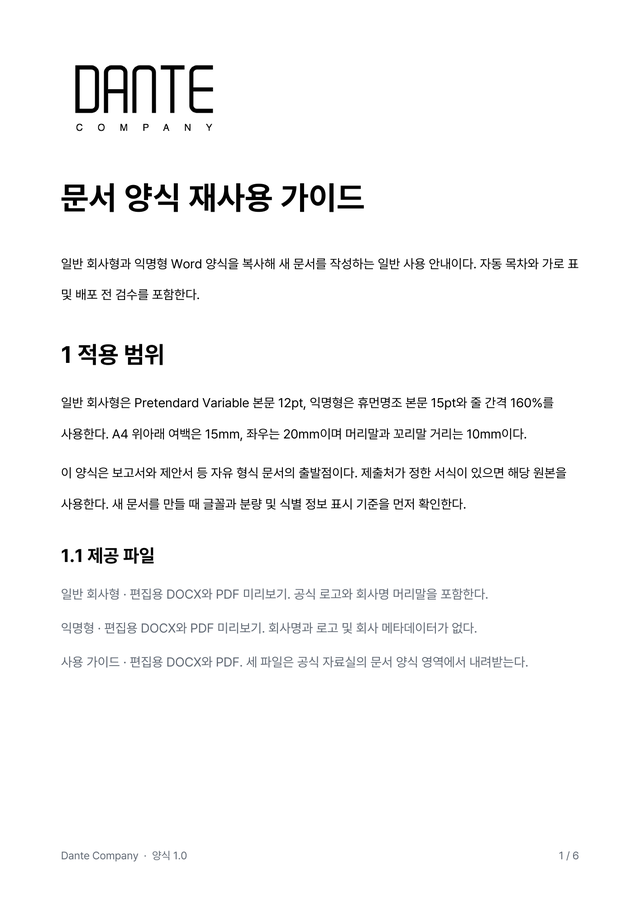
A 6-page guide to copying, editing, updating contents, checking anonymity, and keeping document versions.
Fonts can change line breaks and pagination. Update the contents and fields, then review every page before sharing. Use the recipient’s original form when one is required.
Version 1.0 · 2026.10.22
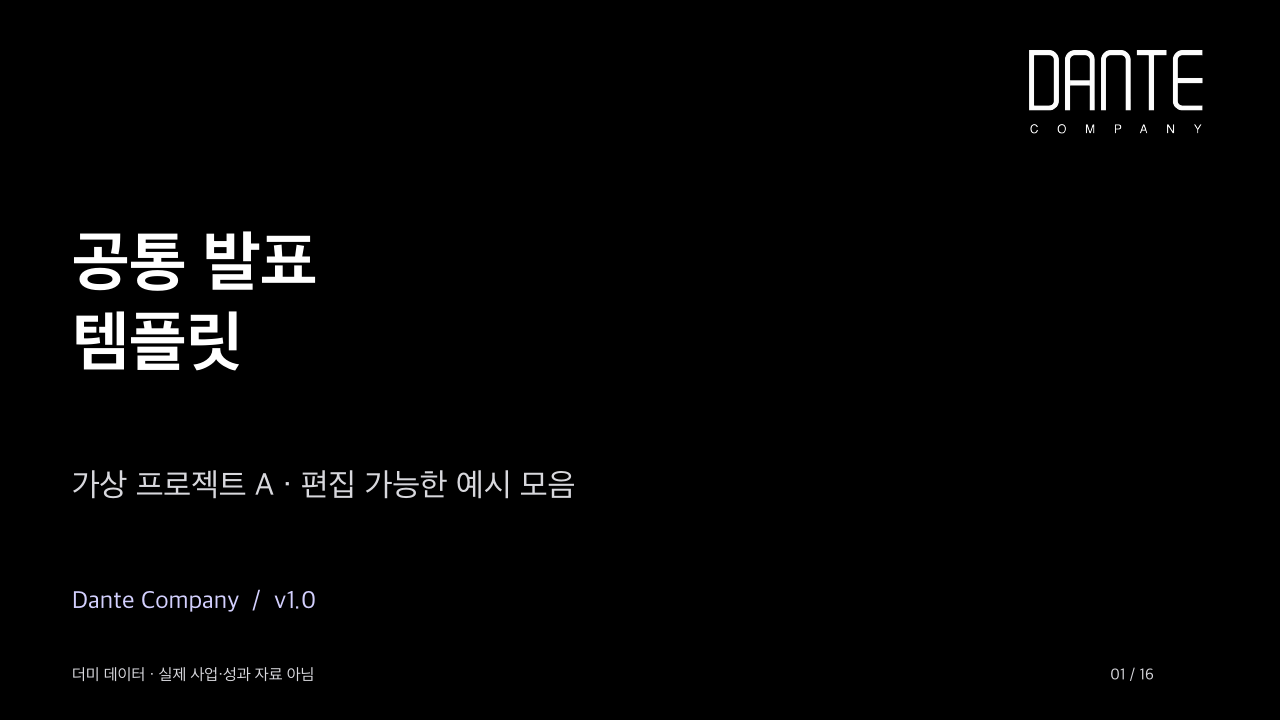
A 16-slide template with the official logo and dummy data. Includes four editable charts, tables, schedules, comparisons, organization charts, processes, metrics and image layouts.
All projects, organizations, figures and schedules are fictional examples. No client materials or business results are included. Check fonts, line breaks and data after editing.
Transparent PNG files extracted from the logo source already used on the site. Use them for web pages, documents, and quick inserts.




Default brand use should stay monochrome. Use the accent colors only when emphasis is needed.